
You have a Minecraft code and you only want one thing: to activate it and start playing without wasting a minute. To activate a Minecraft key, you only need to be clear about three things: what type of code you have, where you need to enter it and which account you are logged into.
In this step-by-step guide from VidaPlayer, we explain exactly where to redeem your key, what to do if it is a short or long code and how to download the game afterwards. Ready to start playing?
Do I need an account to activate Minecraft?
Yes. You must log in with a Microsoft account before entering the code.
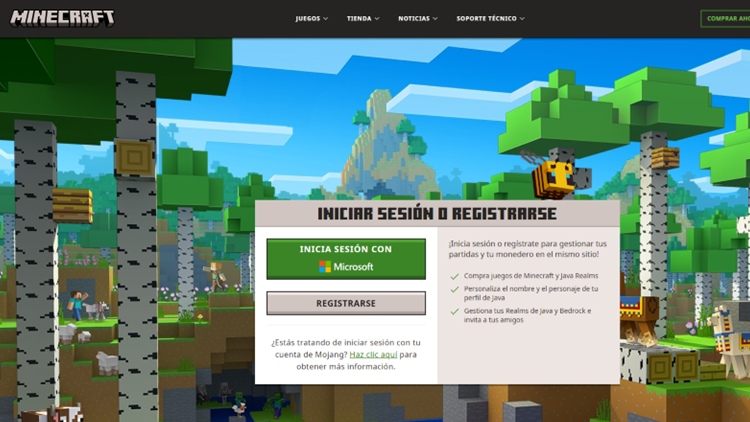
When you activate a key, the game is permanently linked to the account you are logged into. It cannot be transferred later to another account or changed to a different user. That is why it is essential to make sure you are using the correct account before confirming the redemption.
If you have two-step verification enabled, the system will ask you to complete that process during login. This is normal and is part of Microsoft’s security.
Practical tip: if the game is for someone else, for example your child, log in directly with their account before redeeming the key.
Where to activate a Minecraft key
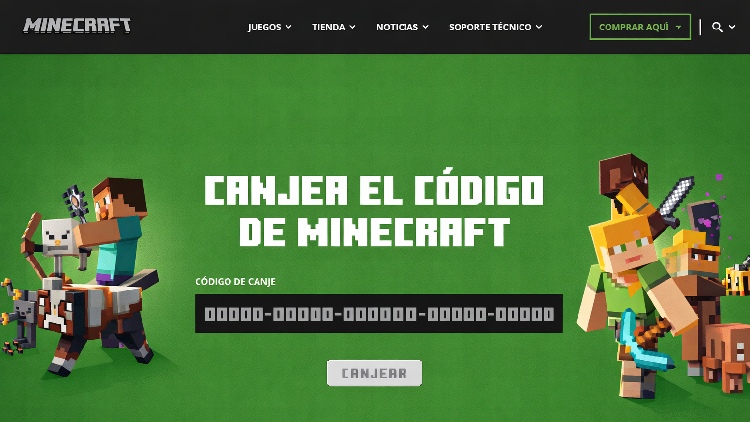
If your code is standard, meaning it combines letters and numbers with long hyphens, you must redeem it on the official Minecraft page.
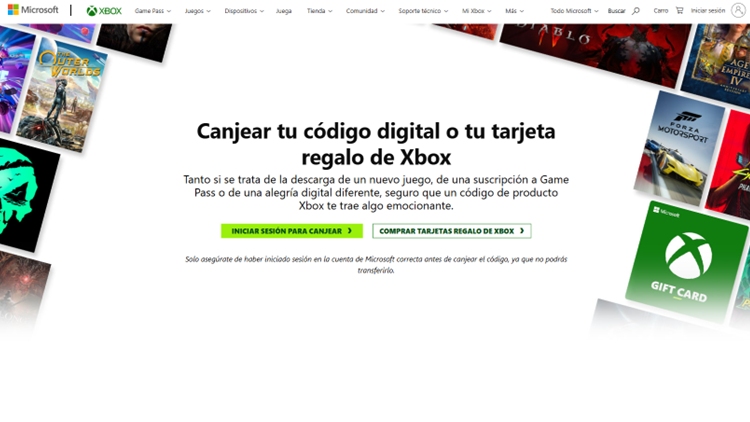
If your code is short and has 10 numerical digits, you must redeem it on the Xbox website.
How to activate a Minecraft key step by step
Once you are on the correct page and have logged in to your Microsoft account, the process is very simple:
Enter the code exactly as it appears.
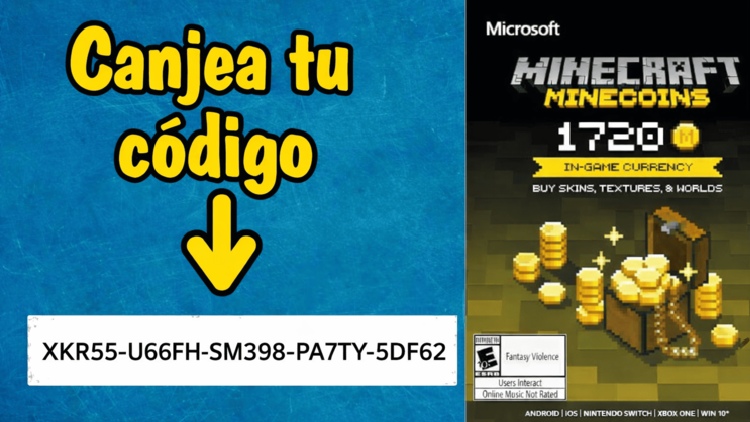
Confirm the activation and wait for the success message. When the system indicates that you have acquired the product, the key is already ready in your account.
How to download Minecraft after activating it
Once the key has been activated, the next step is to install the game.
If you have activated Minecraft Java Edition or the Launcher, go here, download the Minecraft Launcher and install it. Then log in with the same Microsoft account you used to activate the key. The game will appear as available to play.
If you have activated content for Minecraft Bedrock on Windows, open the Microsoft Store, go to your profile, access your library and search for Minecraft to click install.
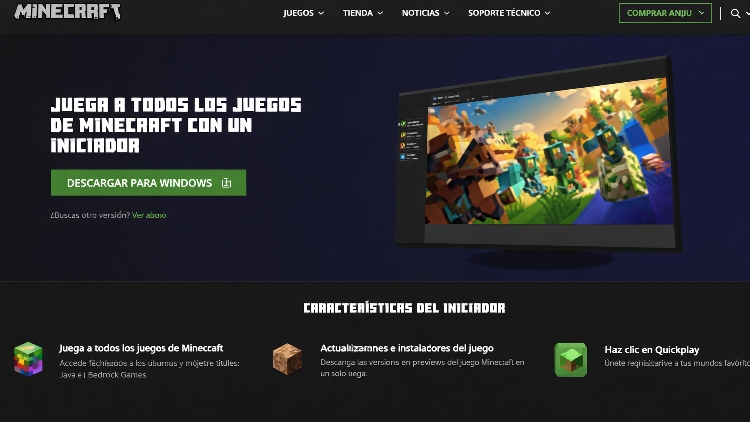
Remember: if you do not log in with the same account, the game will not appear as purchased.
Frequently asked questions about activating a Minecraft key
Where do you redeem a Minecraft key?
It depends on the type of code. Long codes are redeemed at minecraft.net/redeem, while short 10-digit codes are redeemed on xbox.com.
Can it be activated from mobile?
Yes. You can do it from your mobile browser by going to the corresponding official page. You do not need to use a computer.
Can the same code be used twice?
No. Minecraft keys are single-use. Once redeemed, they are linked to the account.
What should I do if the code shows an error?
First, check that you are entering it on the correct page and that there are no mistakes when copying it. If it still does not work, check that it has not been used before or that it has not expired.